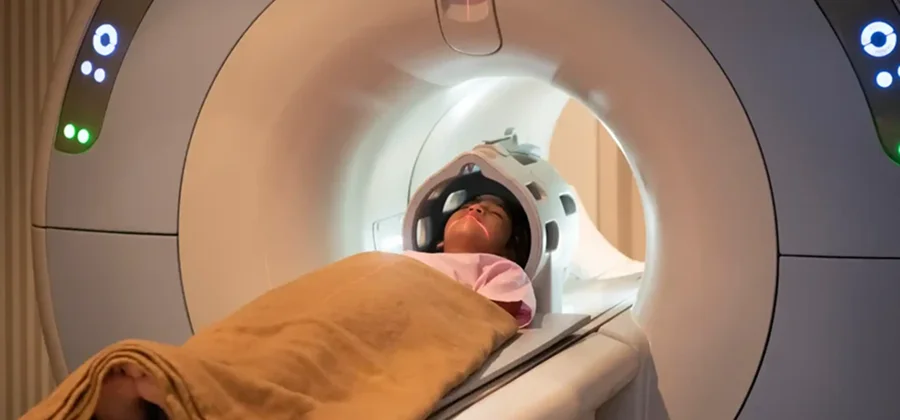
One of the first questions most patients ask before an MRI is simple: how long is this going to take? Whether you’re planning around work, childcare, or just want to know what to expect, here’s a complete breakdown of MRI timing at Open MRI 17.
The Short Answer
Most MRI scans at Open MRI 17 take between 15 and 45 minutes, depending on the body part being imaged and how many sequences your physician has ordered. Factor in check-in, a brief consultation with the technologist, and getting changed if needed, and most patients are in and out within about an hour total.
Timing by Scan Type
Single-Area Scans (Knee, Shoulder, Wrist)
Scans of a single joint tend to run toward the shorter end of the range, since the area being imaged is smaller and fewer sequences are typically needed. Most patients can expect to be in the scanner for around 20 to 30 minutes for a single-joint study.
Spine MRI
Spine scans, whether cervical, thoracic, or lumbar, typically fall in the middle of the range, often around 30 minutes, since the spine requires multiple sequences to capture detail at each level.
Brain MRI
Brain scans can run toward the higher end of the range, particularly if your physician has ordered contrast or multiple specific sequences to evaluate different structures. Expect a brain MRI to take longer than a single-joint scan.
Abdominal and Pelvic MRI
These scans often take longer as well, since multiple organs or structures may need to be captured, and some protocols require you to hold your breath at intervals to reduce motion blur.
Scans With Contrast
If your physician has ordered a contrast-enhanced MRI, add extra time for the contrast injection and additional imaging sequences taken after the contrast has circulated.
Why Some Patients Take Longer Than Others
A few factors can extend your actual appointment time beyond the scan itself:
- Multiple areas being imaged. If your physician ordered scans of more than one body part, your appointment will take longer than a single-area study.
- Difficulty staying still. MRI images are sharpest when the area being scanned doesn’t move. Patients who have trouble staying still, whether due to pain, anxiety, or a tremor, may need a sequence repeated.
- Contrast administration. Adding contrast adds time for the injection and additional imaging afterward.
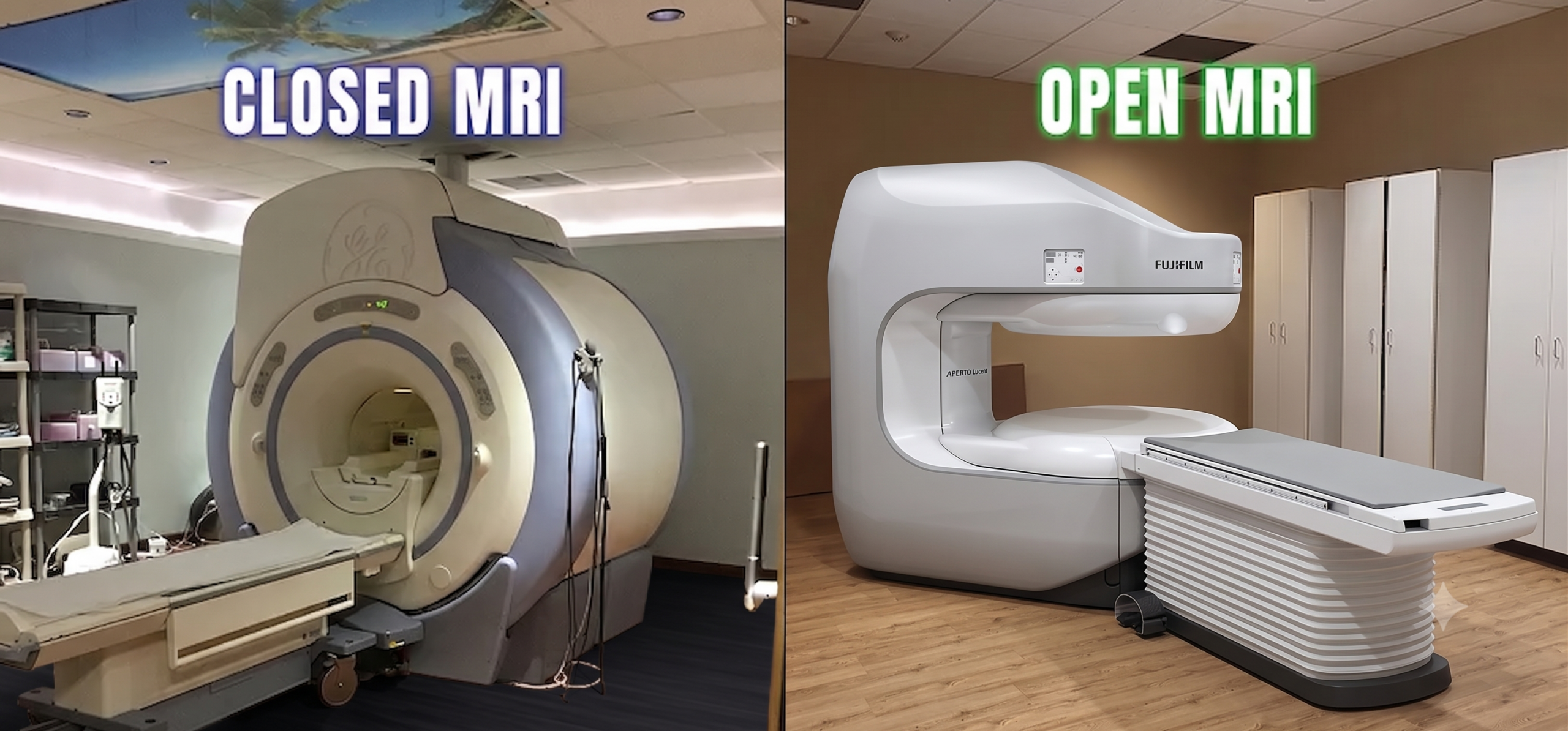
- Claustrophobia or anxiety. Patients who need extra reassurance or a brief pause mid-scan will naturally take a bit longer, which is one of the reasons an open MRI setting helps reduce this factor in the first place.
How AI Technology Speeds Up the Process
Open MRI 17’s Aperto Lucent HD, the first AI-powered open MRI in the United States, helps shorten total scan time in two ways. The AI processing layer corrects for small patient movements in real time, which reduces how often a sequence needs to be repeated. It also sharpens image detail during acquisition, which can reduce the number of passes needed to get a diagnostic-quality image. In practice, this means most patients spend less time in the scanner than they would on an older-generation open MRI system.
Why Open Design Matters for Scan Duration
There’s a real, practical connection between comfort and how long a scan actually takes. A patient who is anxious or claustrophobic in a tight, enclosed tunnel is more likely to shift position, tense up, or need a pause, and every one of those moments can mean repeating a sequence. Open MRI 17’s 270-degree open design means patients are never fully enclosed, which in practice helps many patients stay still more easily than they would in a traditional closed machine. Combined with the AI motion correction built into the Aperto Lucent HD, this is part of why appointments here tend to move efficiently even for patients who have had a difficult time with imaging in the past.
Bringing a Support Person
For patients who are anxious about the time commitment or the scan itself, bringing a family member or friend to sit in the waiting area can help. While they typically can’t be in the room during the scan itself, knowing someone is close by for the ride home or a quick conversation afterward can make the whole appointment feel less daunting, especially for a longer scan like a brain or abdominal MRI with contrast.
What Happens After Your Scan
Once your scan is complete, you’re free to leave immediately and resume your normal activities. There’s no recovery time and no sedation involved in a standard MRI. Board-certified radiologists typically review your images and send a full report to your referring physician within 24 to 48 hours.
How to Make Your Appointment Go Faster
A few things help keep your appointment on schedule:
- Arrive 15 minutes early to complete any paperwork
- Wear comfortable clothing without metal zippers or buttons near the area being scanned
- Let the technologist know about any prior surgeries, implants, or hardware before the scan begins
- Mention any anxiety or claustrophobia in advance so the team can help you feel comfortable from the start
Book Your MRI at Open MRI 17
If your doctor has referred you for an MRI, Open MRI 17 in Paramus offers same-week appointments on the region’s most advanced AI-powered open MRI. Learn more about our HD Open MRI services or explore how our AI-powered MRI technology works.